Comfort, Safety & Etiquette
Tips for Using a VR Headset
Headsets, comfort and everything around Bigscreen.
Tips for Using a VR Headset

Remote Desktop to your PC from your Meta Quest

Lay down and relax
Tips for Using a VR Headset
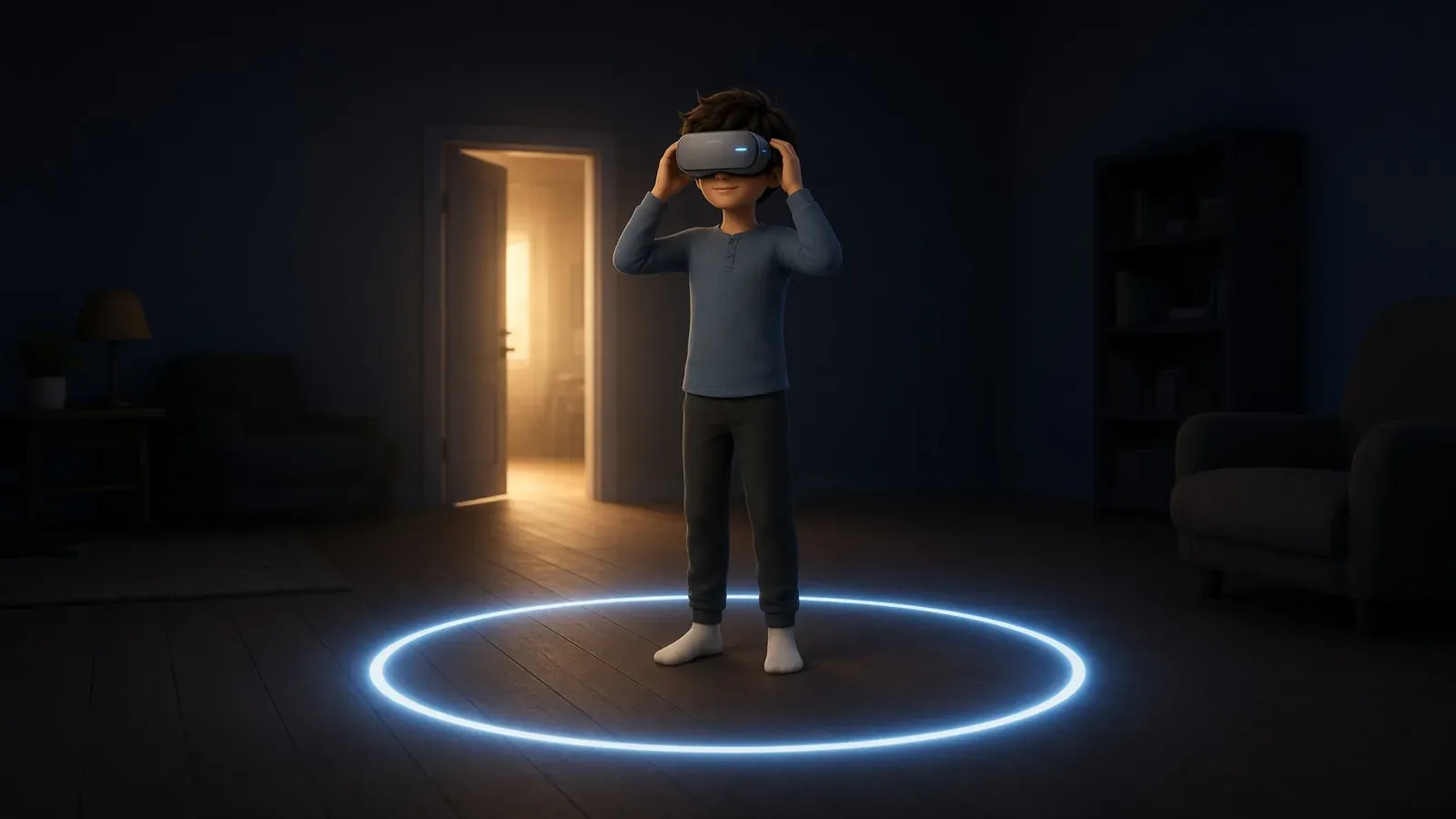
VR is safe for the overwhelming majority of people who try it, but it puts a screen an inch from your eyes, seals off your view of the room, and occasionally convinces your inner ear you're moving when you're not. Worth
9 min read
Remote Desktop to your PC from your Meta Quest
Virtual Desktop is a premium application that enables wireless streaming of your Windows PC desktop and PCVR games to a Meta Quest headset (Quest 2, 3, 3S, or Pro). It provides low-latency access to your PC environment i
4 min read
Lay down and relax
Meta Quest headsets (Quest 2, 3, and Pro) allow users to comfortably watch media or play low-intensity games while lying down by activating a dedicated “Lying Down Mode.” Found under Settings > Experimental > “Use Apps W
1 min read