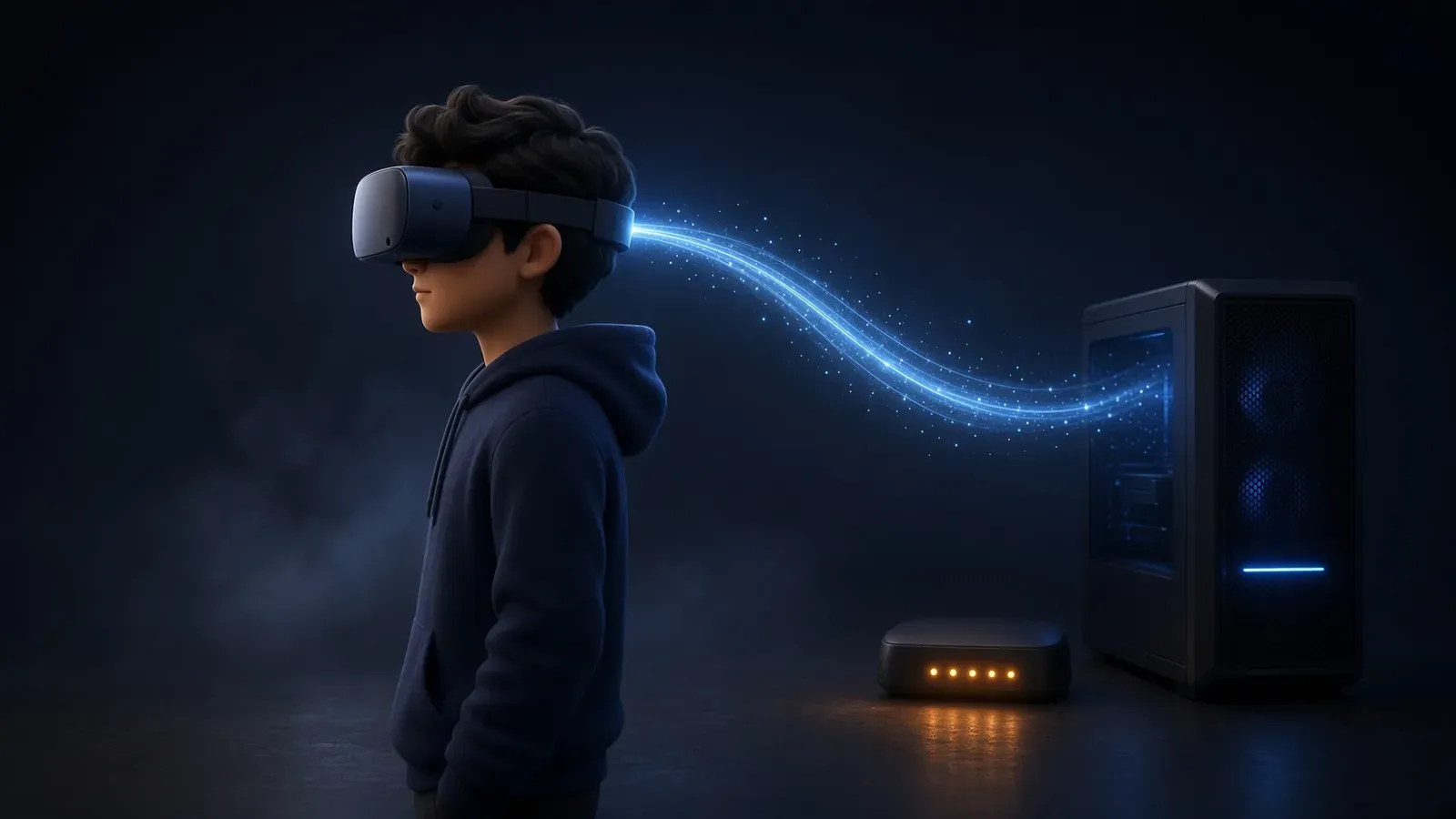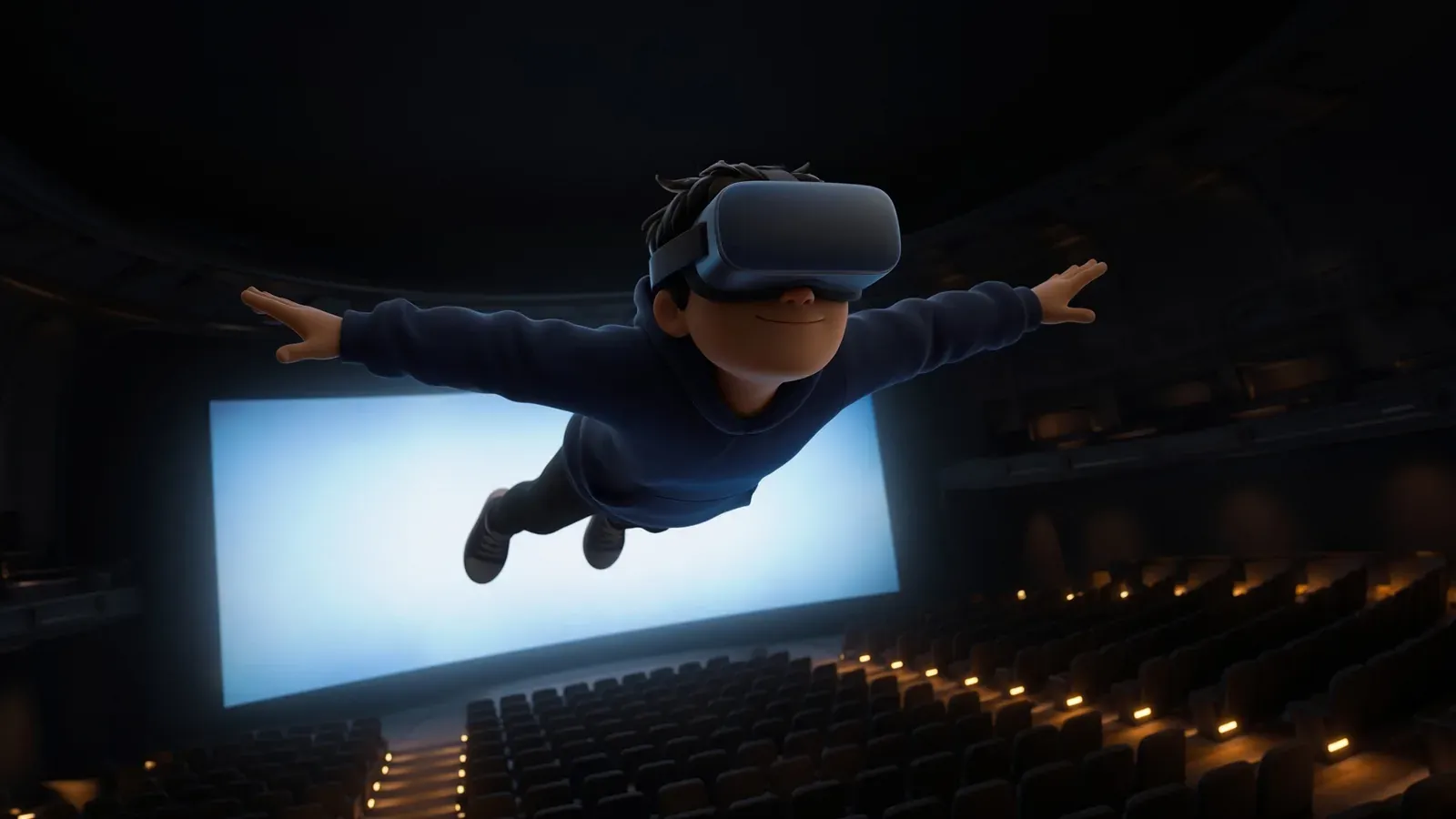
How to fly in bigscreen
Instructions on how to fly in bigscreen for standalone quest and PC
Your guide to Bigscreen VR
Guides for hosting rooms, sharing your desktop, flying, and fixing whatever just went wrong.
Please read the Code of Conduct before joining Bigscreen.

Instructions on how to fly in bigscreen for standalone quest and PC

Essential Tips for Getting Started in Bigscreen VR

Tips for Using a VR Headset

Remote Desktop to your PC from your Meta Quest

Have an issue with Bigscreen or VR in general? Check here for potential answers.

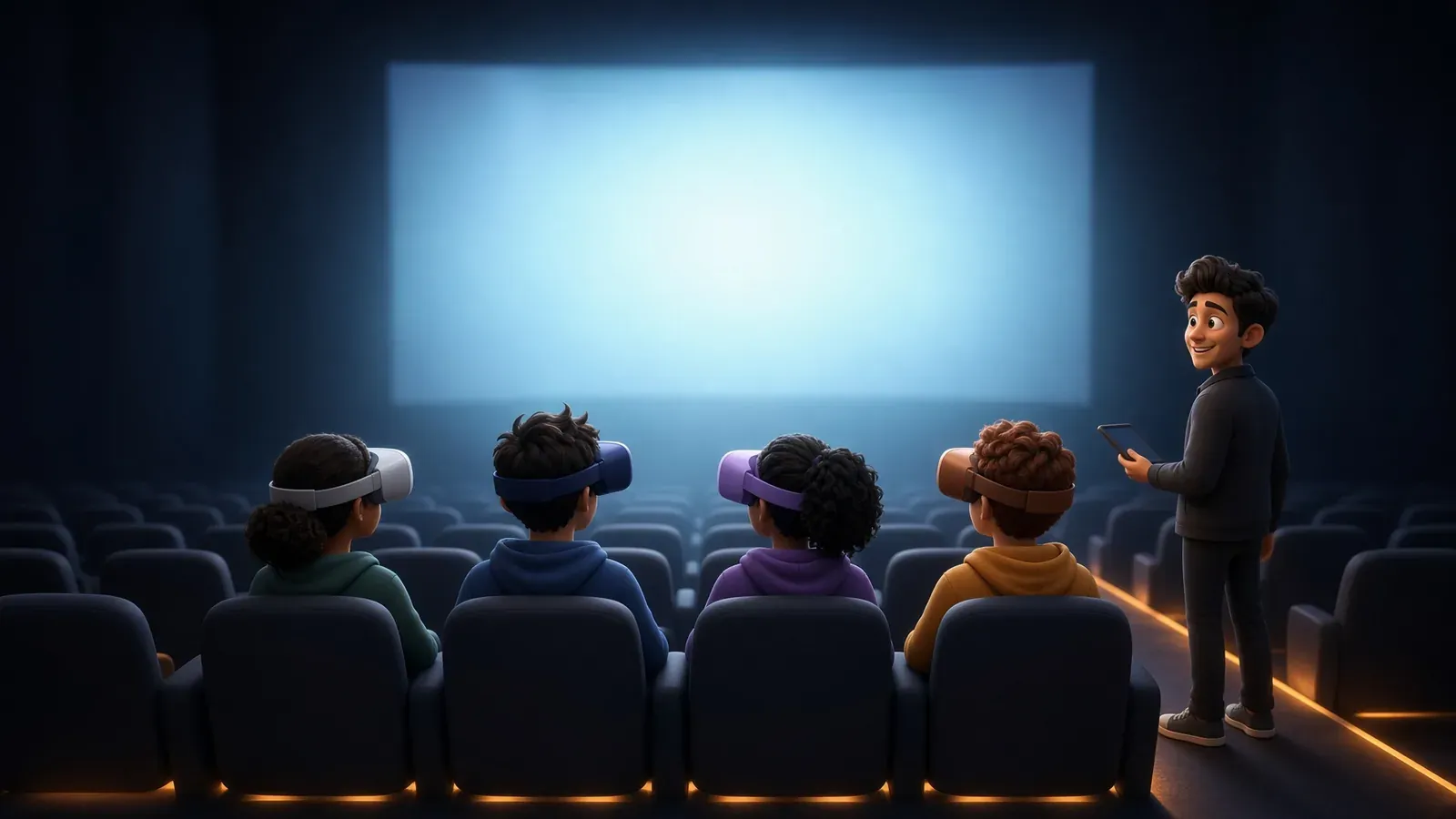
Want to host a room with your friends?

Lay down and relax

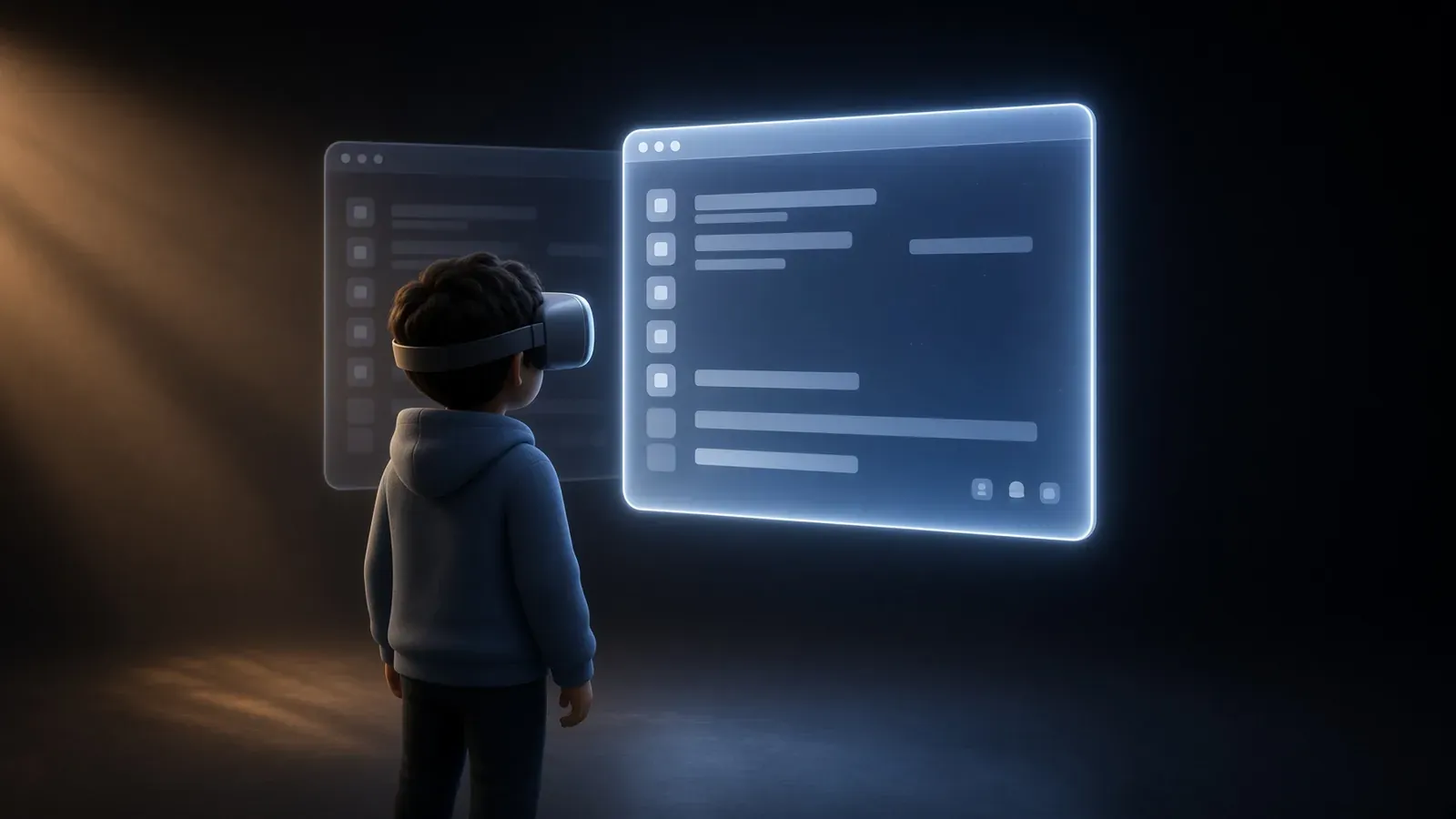
Show your PC screen in Bigscreen

Instructions on how to fly in bigscreen for standalone quest and PC
Flying means moving freely in any direction - including upwards - instead of being locked to the floor or using the standard teleport controls. However, Bigscreen does not include a built-in fly button or native flight c
5 min read
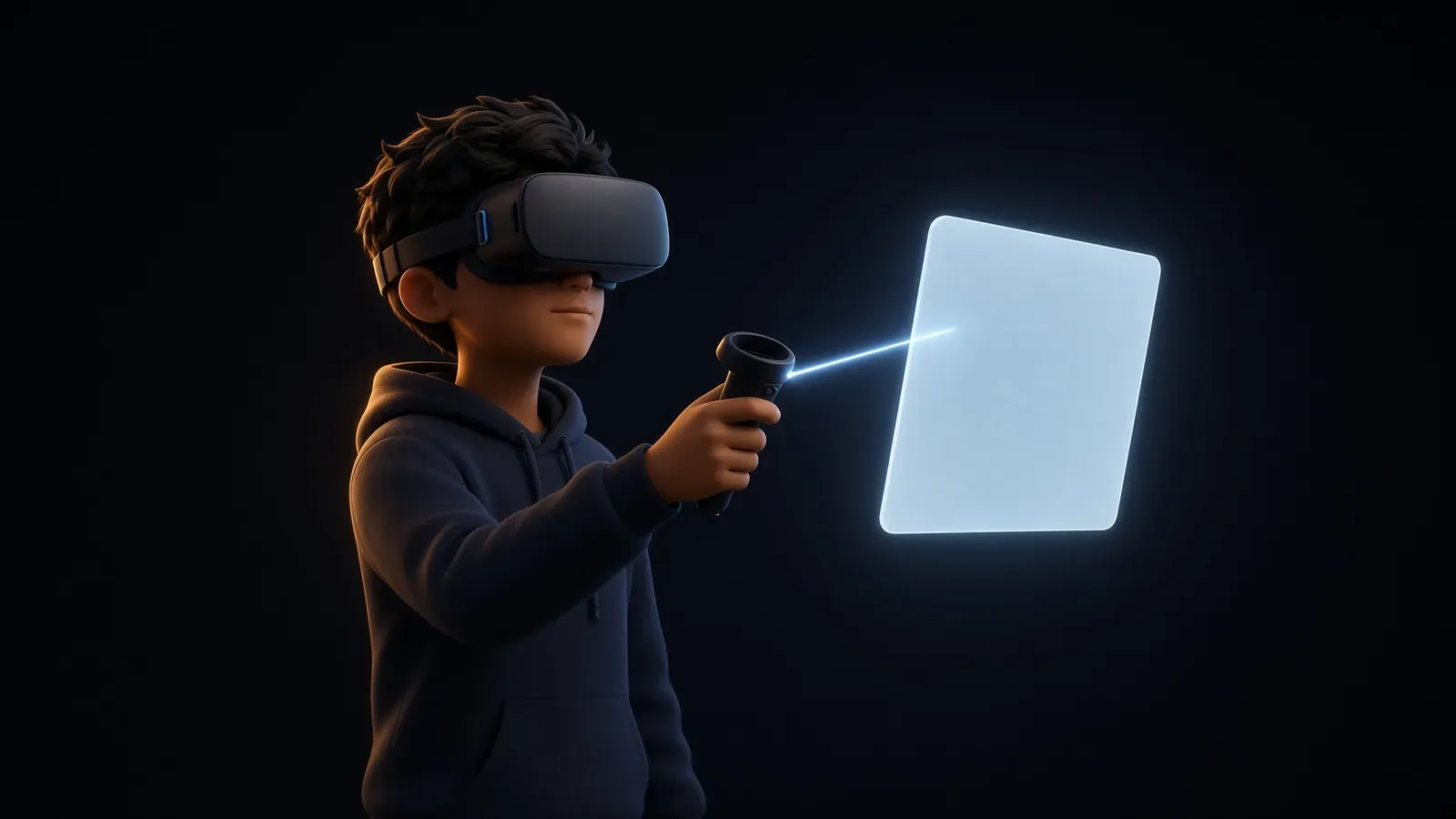
Essential Tips for Getting Started in Bigscreen VR
In Bigscreen, you interact with people and objects using your VR controllers. To select something, point your controller at it (a beam or cursor often appears) and press the trigger button (usually the index-finger butto
4 min read

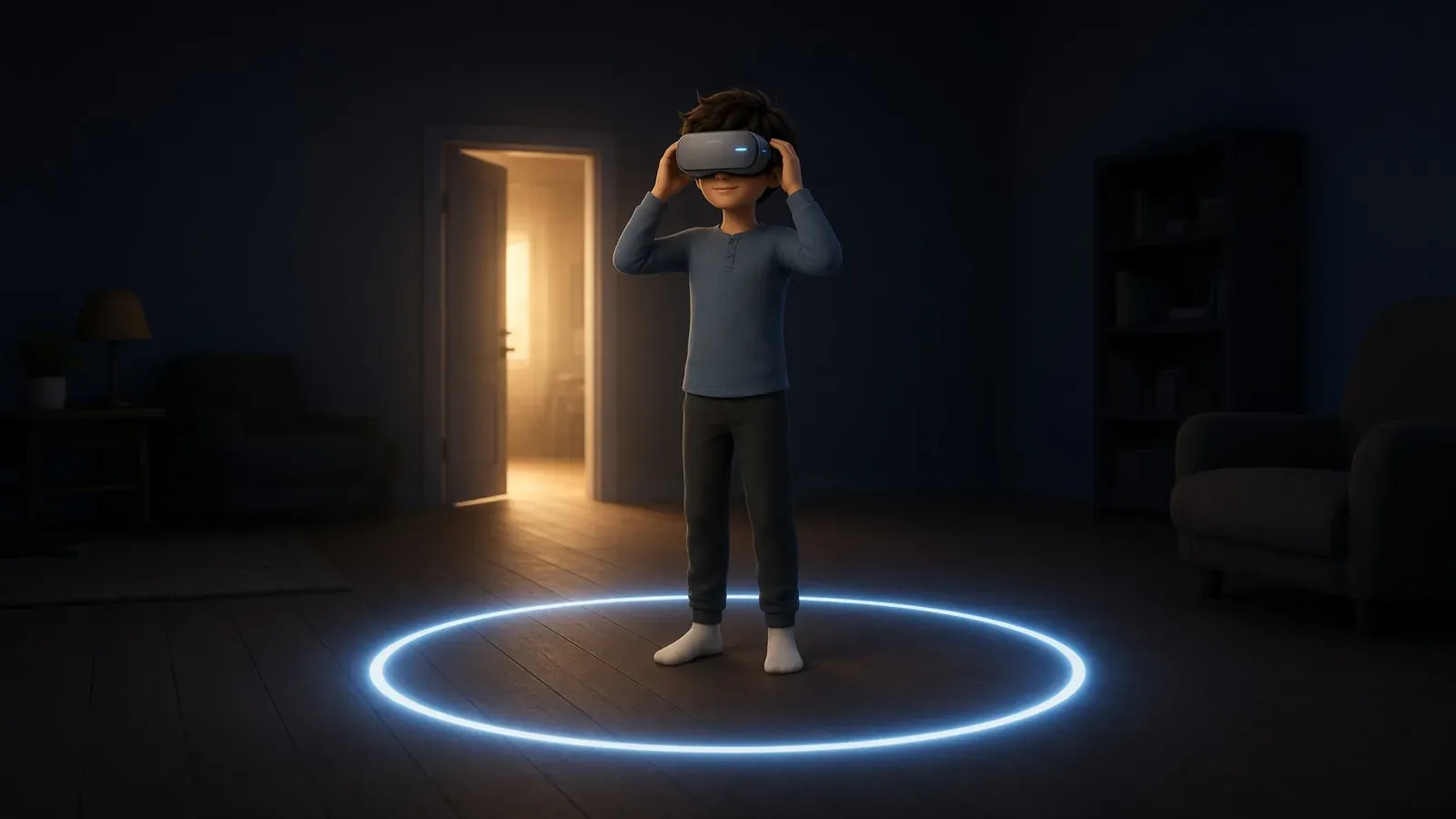
Tips for Using a VR Headset
VR is safe for the overwhelming majority of people who try it, but it puts a screen an inch from your eyes, seals off your view of the room, and occasionally convinces your inner ear you're moving when you're not. Worth
9 min read

Remote Desktop to your PC from your Meta Quest
Virtual Desktop is a premium application that enables wireless streaming of your Windows PC desktop and PCVR games to a Meta Quest headset (Quest 2, 3, 3S, or Pro). It provides low-latency access to your PC environment i
4 min read

Have an issue with Bigscreen or VR in general? Check here for potential answers.
Sometimes you'll find you can't hear some individuals while others can. This usually means the room is bugged for you. To fix it, exit to your own room, then join back. If it still doesn't work, ask the one you can't hea
1 min read

Want to host a room with your friends?
Put on your VR headset and open Bigscreen BETA. You should be in your room when you launch the game. If not, open your menu and press “Exit to my room” at the top. Choose: Before opening the doors, check these: You can h
1 min read

Lay down and relax
Meta Quest headsets (Quest 2, 3, and Pro) allow users to comfortably watch media or play low-intensity games while lying down by activating a dedicated “Lying Down Mode.” Found under Settings > Experimental > “Use Apps W
1 min read

Show your PC screen in Bigscreen
There are several ways to share your desktop to Bigscreen. Bigscreen’s Remote Desktop feature enables users to view and interact with their Windows PC desktop directly within the VR environment of the Bigscreen applicati
2 min read


Shut up, Lucas!

*Sigh*